
If you are just starting off with a new business and want to make a stand-out online presence, a website is the first thing you will need in this quest. However, if you don’t want to spend a hefty price on hiring a custom website development company right from day one, it is always better to seek efficient alternatives.
Opting for the best free website builders can be a smart choice, ensuring you get the best brand platform without any compromise on the user experience. In this article, you will find a list of the 10 best free website builder platforms, popular for their easy-to-use interface, pre-built templates, and customization options.
Read this article till the end to find out which of these free website builders suits your needs the best.
What to Look For in Top Free Website Builders?
Before getting into the list, it is important for you to know some of the common features that you must expect in a DIY website builder, which include:
-
Ease-of-Use:
The free website builder you choose must be easy-to-use, not just for the tech-savvy professionals, but also for all individuals. You can look for platforms with a drag-and-drop editor, pre-built free templates, easy customization tools, and more to ensure effortless curation of your website.
-
Customization Features:
Even though you are using a free tool for building your website, there should still be adequate customization options to tailor it based on your brand requirements. For instance, you must be able to change the fonts, colors, layout, style, and other elements of pre-built or custom templates.
-
SEO Tools:
Building a brand website is just the tip of the iceberg, whereas getting it ranked at the top of Google SERPs is an even more important task. Therefore, you can seek to use free website builders that provide you with access to SEO tools. Using these tools, you will be able to adjust your page titles, meta descriptions, alt tags, schema markups, and more.
-
Free Plan Value:
The more the better! Free plans of website builders are often limited to some extent! Therefore, you need to compare your options and see which of the tools provide you with the best value. Keep the limitations in check, and determine how they could affect your business in the long run.
10 Best Free Website Builders for You to Count On
Here is the list of the 10 top free website builders for you to review, compare, and choose the ultimate one for getting started with your project:
1. Wix
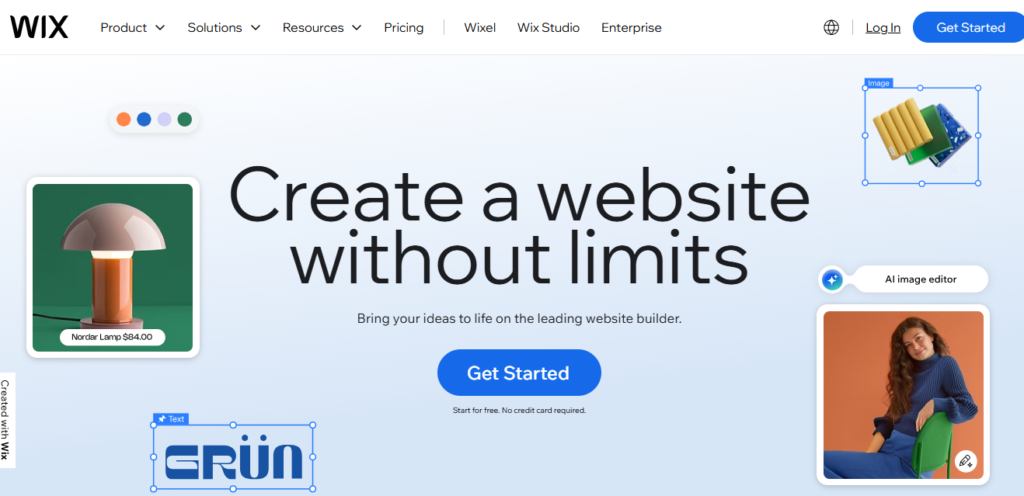
Wix is one of the best free website builders, ideal for both individuals and businesses. If you are someone willing to create a quick website without compromising on its professional appeal, Wix has intuitive features to help you either build it from scratch or use AI for the same.
Unlike other platforms that offer only a handful of free website templates for you to use, Wix has more than 2500 templates, and all of them are free. Not just that, but it also has a drag & drop editor for even the non-tech-savvy individuals to create a full-fledged website by adding media, adjusting text, tweaking layouts, and more.
Popular companies like Fiverr and Air Asia have built their websites using Wix, showcasing how it is the best website builder for curating platforms, even for large-scale operations.
Features:
- Drag-and-drop website editor with block-based design flexibility.
- Embedded marketing and SEO tools.
- Pixel-perfect free site layouts.
- The free plan comes with 500 MB of storage and 1 GB of bandwidth.
- Offers secure hosting.
- Provides access to the Wix App Market
Limitations:
- No eCommerce functionality.
- Restricted analytics features.
- No custom domain.
2. Canva
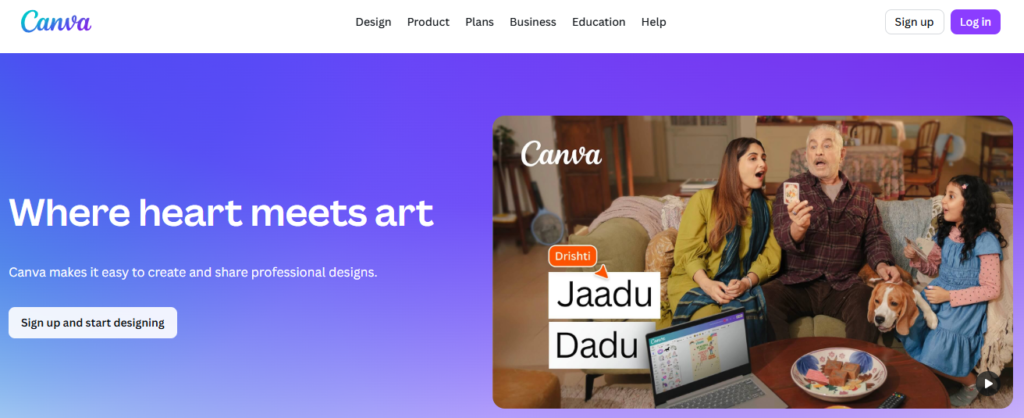
Canva has a strong identity among business owners for being a high-quality design solution for both professionals as well as non-designers. For most people, Canva is just a tool for creating social media graphics and presentations. However, it is also an impressive website builder with numerous free templates.
There’s a dedicated website option within the Canva dashboard for you to start tailoring a new design. When on the design interface, you can use the pre-built free templates or use the given elements and features to create one from scratch. While building your website on Canva, you can also review the mobile version of the layout for testing compatibility of your design.
Popular companies like Coursera, GoDaddy, and Expedia Group make use of Canva’s free and premium features for designing their website elements.
Features:
- Easy-to-use tools, dashboard, and interface.
- Supports drag-and-drop website building.
- Vast media library
- AI-powered designing tools
- Offers 5GB of cloud storage
Limitations:
- Restricted access to the advanced AI features.
- Premium templates are all paid.
- No access to online support.
3. SITE123
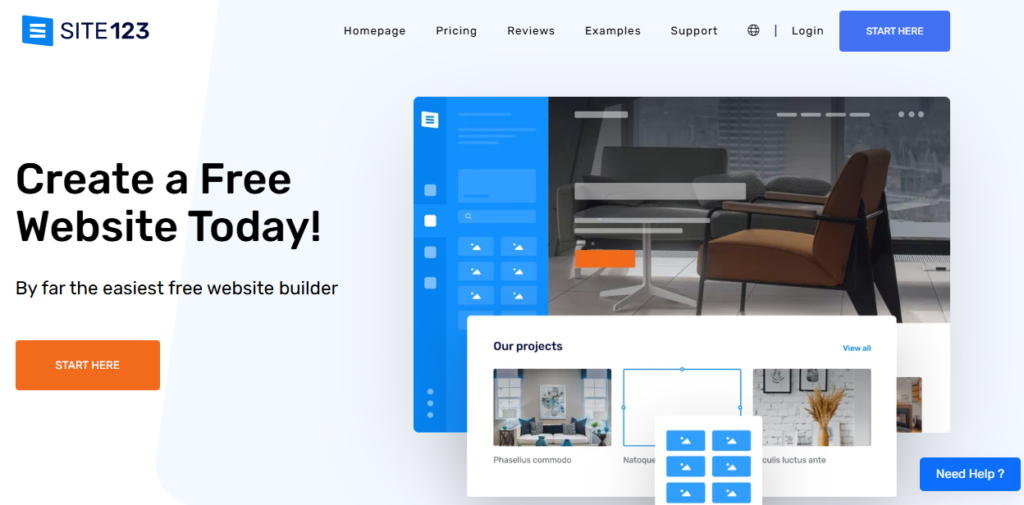
If you are a beginner with a business idea that you want to go online, SITE123 is packed with adequate features to help you in the process. It is a simple and hassle-free tool for you to streamline your website-building process. The straightforward UI of SITE123 allows you to create an aesthetic and functional website, quickly and easily.
There are more than 80 mobile-responsive website templates for you to choose from, including specific options for restaurants, events, and blogs. You also get an AI builder embedded within the tool for you to create custom websites based on your text prompts, all in a matter of seconds.
Companies like CrossFit Sapphire and Domino SRL (Italy) have relied upon SITE123 for curating their business websites.
Features:
- Free plan is ideal for creating blogging websites.
- Loaded with various small business tools. (appointment scheduling, event calendars, reservation system, etc.)
- Ideal for creating single-page and multipage websites.
- Built-in optimization of website templates for desktops, mobile devices, and tablets.
- 24/7 customer support is available.
- Access to a vast library of stock images.
Limitations:
- Includes SITE123 ads in the free plan.
- No access to advanced SEO or email marketing tools.
- No provision for creating a professional email account.
- Limited customization features.
4. HubSpot CMS
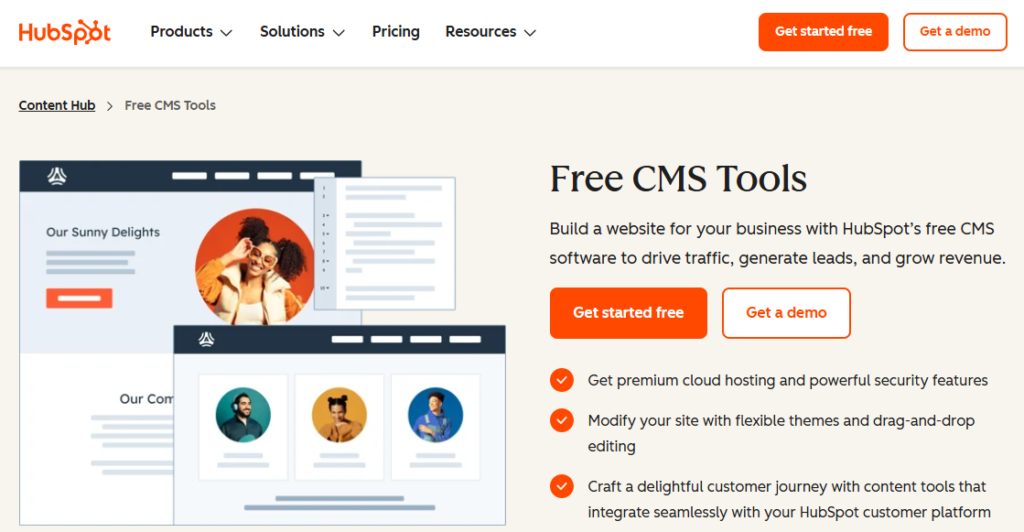
HubSpot is primarily one of the sales and marketing automation platforms, adopted by businesses of all types and sizes. However, alongside those features, HubSpot CMS also has a free-tier website builder, backed with AI features. Using it, you can build an aesthetic site layout with images and pre-written text.
There are also free themes and layout templates for you to quickly customize and build your website. Under customization options, you get to change the theme colors, layouts, and fonts to make the website align with your brand impression. HubSpot CMS also provides a complete tutorial on how to build a website using its drag-and-drop editor, especially for a non-tech background.
Companies like SafeBreach, Coca-Cola Beverages Northeast, Verian, and others used HubSpot CMS for curating their websites.
Features:
- Easy-to-use AI website builder feature.
- Supports complete integration with the HubSpot ecosystem for managing sales, leads, marketing, and more.
- Available with community plugins for extending website functionalities.
- Free suite of select SEO tools.
- Premium cloud hosting is available.
- Supports website analytics features.
- Basic marketing tools are available.
Limitations:
- HubSpot branding will be visible throughout the website.
- Restriction on building a maximum of 25 landing pages and 25 web pages.
- No access to the custom domain for creating an email account.
- No access to premium tools.
- No live client support.
5. Square Online
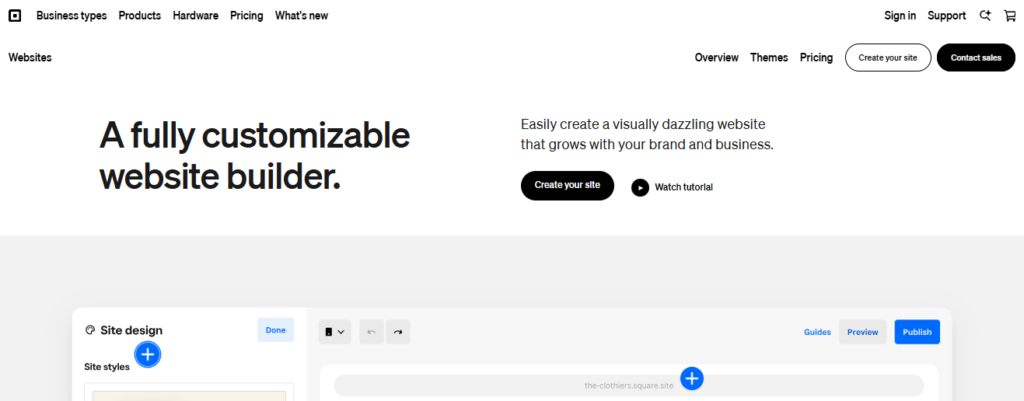
Square Online is one of the best free website builders, specifically for eCommerce businesses. Considering the niche of this platform, every template available on it is focused on the selling side of businesses. There are various tools, elements, and guides available for you to get started with your online business and list out the products on sale in no time.
This website builder comes with multiple layout options, categorized in terms of different modules. You can simply add or remove sections in the Edit mode to match the site design with your brand requirements. This way, you will be creating a unique, aesthetic, and user-friendly website for your business, without the need for custom coding.
Small and mid-sized businesses such as Keter, Balsam Hill, and KN Filters have showcased the efficacy of Square Online for designing e-commerce websites.
Features:
- Flexible and user-friendly website builder.
- Supports integration for shipping, sales tax, payment processors, and more.
- Backed with important eCommerce features like inventory management, automatic tax calculation, abandoned cart recovery, etc.
- Drag-and-drop website builder interface.
- Supports social media integration.
- Access to diverse marketing tools.
Limitations:
- No custom domain.
- Square Online will be including its brand ads across the website.
- Advanced features like real-time shipping rates, product reviews, and others aren’t included.
- Lacks premium support features.
6. Webflow
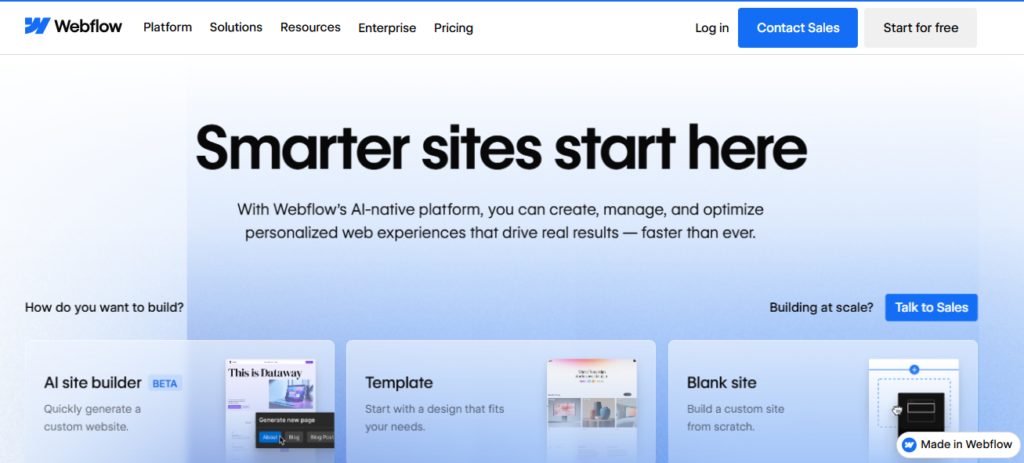
Entrepreneurs with minimal knowledge and experience in website design can rely on Webflow as their best free website builder. You get to use its drag-and-drop editor for tailoring the free site templates and achieve a unique appeal for your brand platform. If you want to explore exclusive website templates, prefer buying the paid ones.
Webflow offers you a wide range of customization options for achieving the exact look and feel for your site. You can tailor the padding, margins, alignment, flex boxes, and think containers for your website. Beyond website building, Webflow also offers you built-in functionalities for eCommerce and webforms.
Popular companies like TED, Dropbox, and The New York Times have utilized Webflow for building their websites, proving its convenience and effectiveness for large-scale businesses.
Features:
- Diverse customization options for layout, typography, colors, and fonts.
- Extends functionality with support for third-party integrations.
- Drag-and-drop interface
- Creates custom animations and visual interactions for the site design.
- Enabled with CMS capabilities.
- Offers basic hosting with 1 GB of bandwidth
- Collects up to 50 form submissions.
Limitations:
- Limited to building only 2 static pages, excluding CMS pages such as blogs.
- No custom domain.
- No password protection for the websites.
- Code export feature isn’t available.
7. WordPress.com
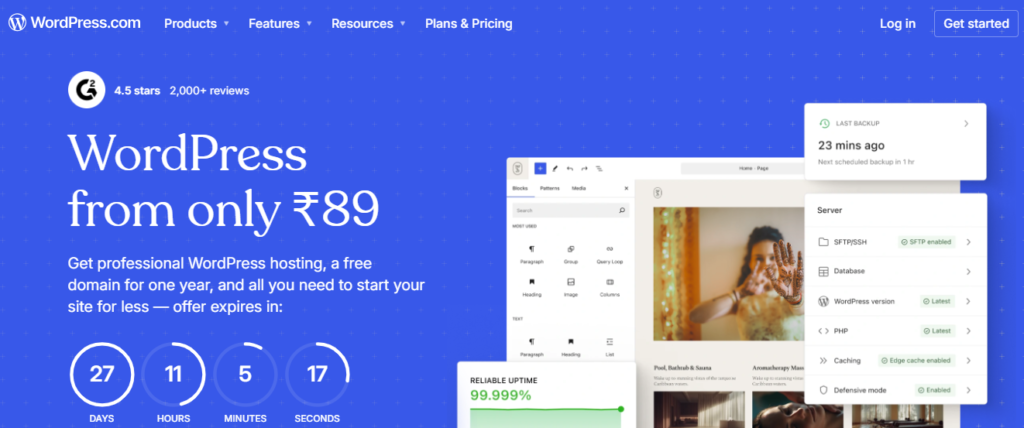
WordPress.com is a free website builder tool, ideal for creating blogging websites. It comes with unique features such as RSS feeds, analytics, comment boxes, and more. You will have the flexibility of adjusting the website settings, ensuring it serves the brand’s purpose. There are numerous free themes available for you to quickly customize and design your website.
Not just that, but upon signing up to WordPress.com’s free plan, you will also get exclusive access to the Jetpack essentials for enabling your site with performance and security tools. You won’t have the provision of integrating third-party plugins with the free plan, but you will still be provided with 3 GB of storage.
Popular companies with large-scale operations often adopt the paid or VIP version of WordPress.com for building their websites. Some of them are Salesforce, PlayStation Blog, and Harvard University.
Features:
- Loaded with Jetpack essentials.
- Offers free themes.
- 3 GB storage space with the free plan.
- Enables customization of widgets, fonts, colors, and layout.
- Comes with pre-built patterns for creating complex layouts using the block editor.
- Free hosting
- Access to standard visitor statistics.
Limitations:
- Inability to install plugins or use custom themes.
- No monetization permitted on websites built using the free plan.
- No custom domain.
- Missing out on eCommerce capabilities.
- Restricted to just basic SEO tools.
8. GoDaddy
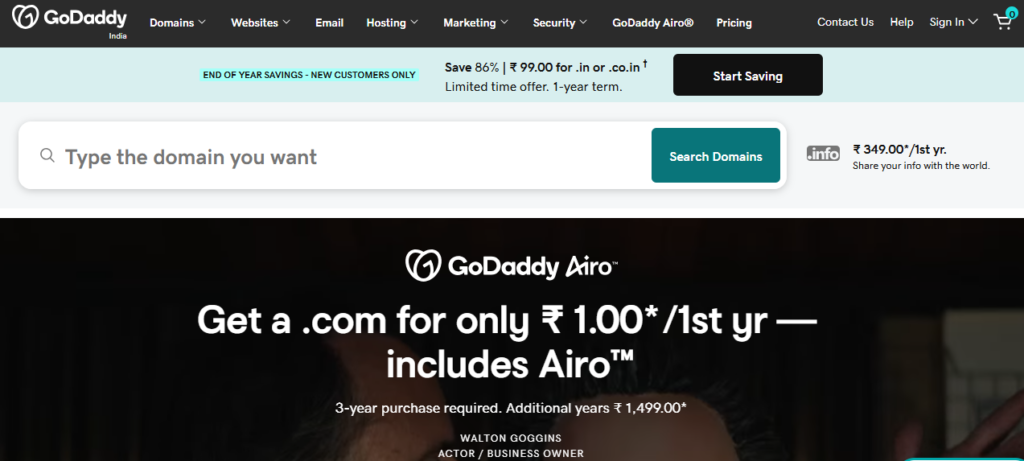
GoDaddy ranks as one of the top free website builders, mostly because of its user-friendly onboarding and speed. It is similar to that of Wix, but comes with even more features and site templates. Not just that, but you also have an AI website builder, capable of assisting you with the quick setup of your website.
Not all, but a few features of GoDaddy Studio will be made available for you in the free plan. For instance, you can create and edit custom visuals for your website. You will also have access to email marketing, content scheduling, and appointment scheduling tools for added design convenience.
Businesses of all types can rely on GoDaddy for building their websites, including companies like Vespa Group, Lotus, Global Sales, and others. Large-scale companies often prefer the paid version of GoDaddy’s website builder, which helps them leverage its full potential.
Features:
- Quick setup experience.
- Creates a custom AI-based template in just a few seconds.
- Enables access to limited features of GoDaddy Studio
- Support for diverse marketing tools.
- Supports image editing with basic tools.
- Access to limited customer support.
Limitations:
- GoDaddy branding ads will be visible on your website.
- No eCommerce capabilities.
- Restrictions on adding custom code or free placement of images.
- Limitations to third-party tool integrations.
9. PageCloud
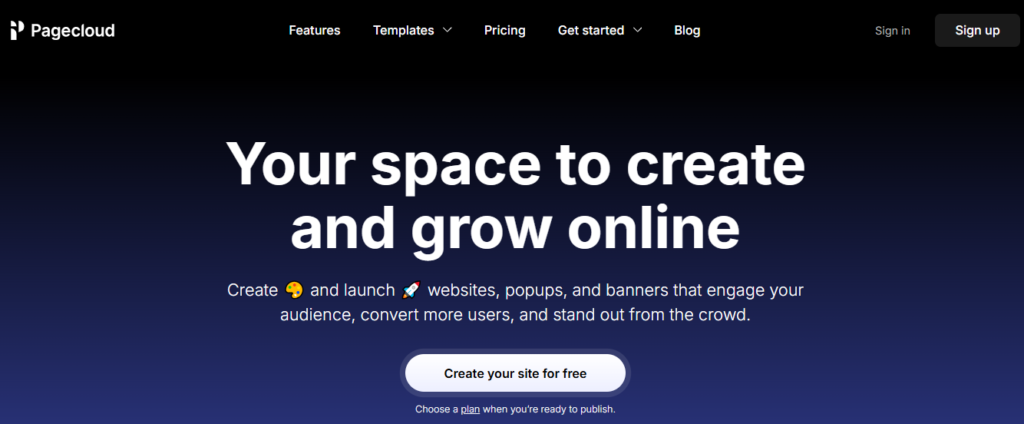
PageCloud is among the most feature-rich website-building tools, and a free plan is limited to creating single-page websites. Even with that limitation, you get a comprehensive editor and an intuitive dashboard for curating your small business website. It comes with a drag-and-drop editor, making it easier for you to craft your vision into reality without the need for custom coding.
Some features, like font management and page dividers, add more convenience to your website-building journey. Using the latter, you can gain better control over your page layout by implementing transitions and dividers between two content blocks. On the other hand, you also get to store your custom fonts.
Features:
- Drag-and-drop website editor.
- Customizable free templates.
- Seamless mobile optimization
- Multiple editing elements such as images, fonts, galleries, and text.
- Add social icons to your website.
Limitations:
- Limits only up to 1000 visitors every month.
- Restricted to building only single-page websites.
- No custom domain.
- Limited storage, not ideal for large-scale websites.
- Limited to only 10 blog posts.
10. Jimdo
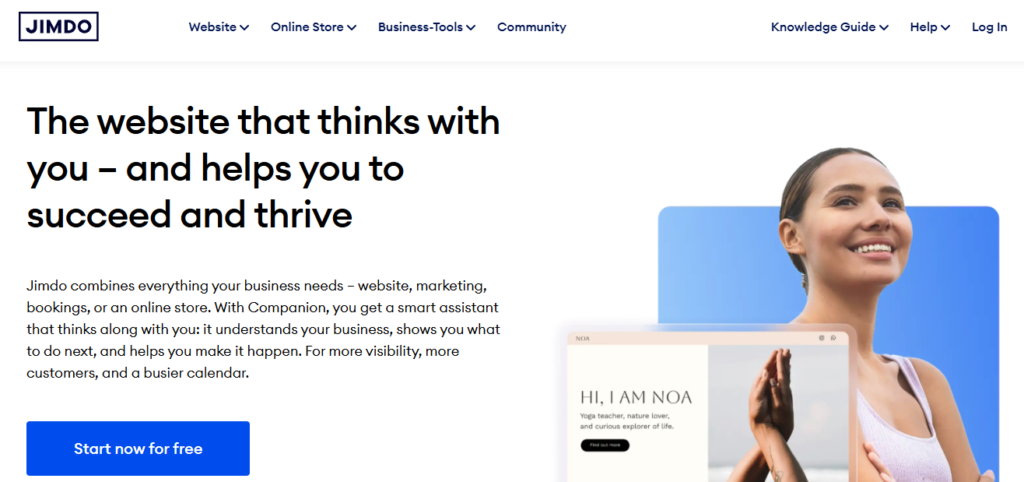
Jimdo is a lesser-known DIY website builder with a lucrative free plan. It might not have exclusive features like the other platforms on this list, but it can still help you build an appealing website in no time. It comes with limited but nice site templates for you to choose from. Such templates or layouts are professional for you to build online stores, portfolios, or blogging websites.
With the free plan of Jimdo, you will have limitations on the number of products you can sell from your site. Moreover, there will also be some transaction fees for every sale you make from the site until you purchase the paid plan. So, Jimdo can be a good pick only if you want to test your online business idea, prior to investing a lot of money in it.
Features:
- Create a free online store with all the necessary features.
- Sell 5 products per free store you create using Jimdo.
- Accepts PayPal payments
- All free templates are mobile-optimized
- Provides 2 GB bandwidth and 500 MB storage with the free plan.
- Free hosting.
Limitations:
- No custom domain for setting up a professional email address.
- Limit of creating only up to 5 subpages.
- Website will have Jimbo banners or ads.
- Limited SEO functionalities.
Should You Stick to Using a Free Website Builder?
Now that you have the list of the best free website builders of 2025, it is time to answer the crucial question: Should you rely on the free versions entirely?
Well, you must know that free website building tools are limited in terms of their features, templates, customization options, technical parameters, and more. Some platforms, like Wix and Square One, do offer exceptional customization flexibility to help you build a responsive and appealing business website. However, your brand platform will still have room for improvement if you switch to the paid versions of the website builder tool.
Most businesses prefer upgrading to the paid plans of their preferred website building tool, considering the scalability aspect of their website in their long run. So, if you are planning to start your business with a limited budget, prefer building a site using the free website builders.
Moving on, as your business scales and website experiences more traffic and demands better bandwidth and features, you can use the premium versions to improve the site’s functionalities.