
Your work productivity heavily depends on how organized your calendar is. However, scheduling the tasks, appointments, and meetings can become tedious and inefficient very quickly.
Suppose you have your weekly work calendar scheduled and ready, but a surprise client meeting comes up that you can’t push to next week. In that case, you will have to manually redo your entire calendar scheduling to ensure the new meeting fits in, while no priority task gets delayed.
This is just one of the many situations where your proper calendar scheduling will define productivity and work efficiency. Therefore, why do it manually when you can integrate an AI scheduling assistant?
Such tools are built and designed to not just book meeting slots for you, but also to organize your entire day, filter out focus time, organize chaotic meeting calendars, and also smartly reschedule your to-do list when you encounter surprise events.
In this article, you will find 10 of the best AI scheduling tools, reviewed and ranked based on their features, functionalities, and ease of use. So, block the next few minutes on your calendar, and review each one of these AI tools to know what would suit your scheduling needs the best.
What is an AI Scheduling Assistant?
It is an efficient software, built with the power of AI for automating calendar scheduling or management tasks. For instance, using an AI scheduling tool, you can book your meetings or appointments on the calendar with specified time slots. Beyond that, you can set reminders and coordinate the availability of team members, all by using a single AI scheduling tool.
To help you better understand, here are some features of an AI scheduling assistant:
Automatically schedule meetings by choosing time slots that would work for everyone in the team.
Manage individual calendars by adding, removing, and updating events in them automatically.
Handle the emails by confirming any potential meeting and sending out invites for the same.
Spot the timing overlaps and reschedule the calendar accordingly to avoid conflicts among the meeting participants.
Integrate your AI scheduling assistant with tools like Teams, Slack, Zoom, and Google Calendar for enhanced productivity.
10 Best AI Scheduling Assistants
Here are the 10 best AI scheduling tools with varying features and capabilities for contributing towards your workflow efficiency:
1. Motion
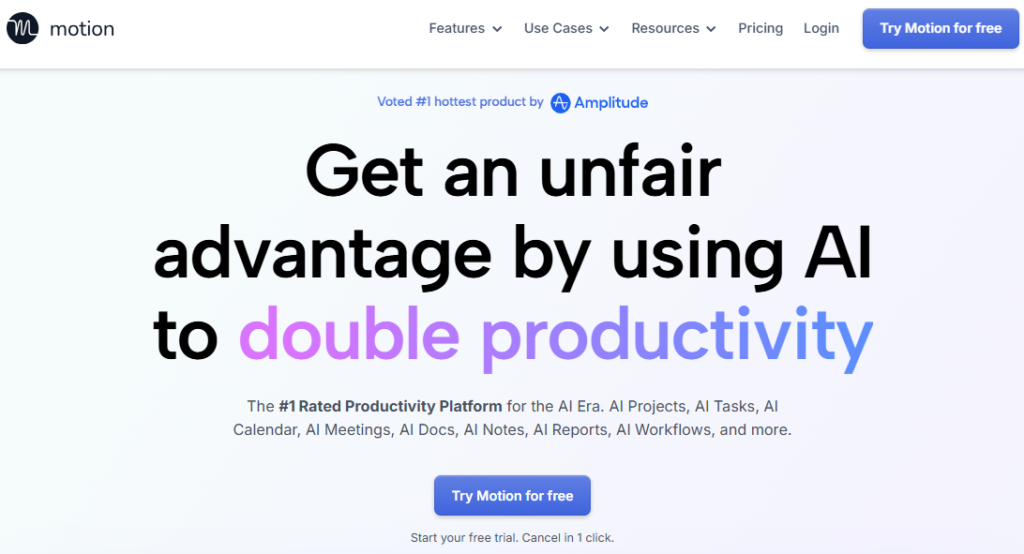 Motion isn’t just a regular AI scheduling assistant, but is an end-to-end project management tool that leverages the potential of AI for planning your entire day. You can simply give it your tasks, deadlines, and projects, and Motion will build a completely dynamic schedule for you.
Not just that, but if a sudden meeting comes up, Motion will automatically rearrange and adjust your task schedule, ensuring nothing of priority is dropped. This AI scheduling assistant is built especially for people who want their to-do list and calendar to be in complete sync.
Several startups and consulting businesses are using Motion to automate their client-facing communications using this AI assistant. From drafting simple task updates to responding to clients’ requests, Motion is a perfect tool for all kinds of businesses.
Pros:
Puts your calendar and tasks in one place, giving you a unified view of your entire day.
Automatically reschedules the calendar in case of any overlap or conflict.
Built-in AI tool for managing tasks and content workflows.
Cons:
Experiences short recalculation delays.
Pricing:
Comes with a free trial period
Individual plan costs $34/month
Team plan costs $20/user/month
2. Reclaim.ai
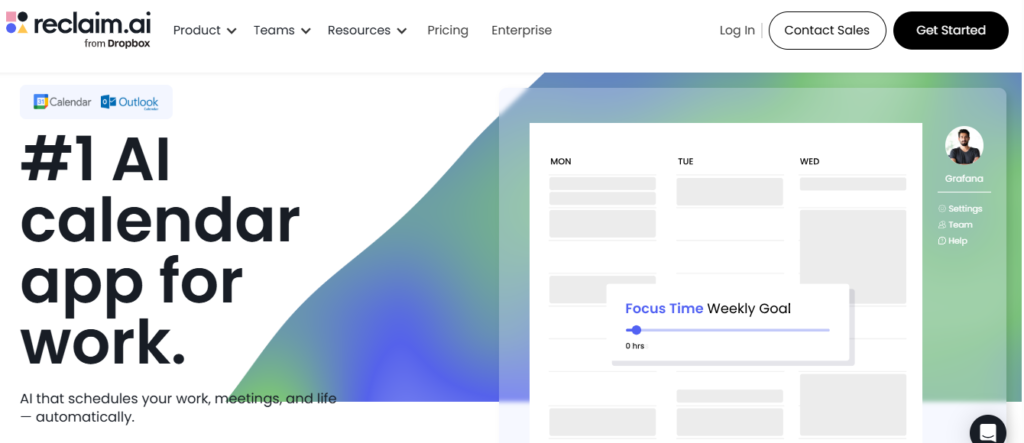 It is probably one of the leading AI scheduling tools that can help you attain a better work-life balance, with its smart time-blocking feature. When you have a task in hand, Reclaim.ai will automatically assess the best times available throughout the day for scheduling it.
Not just that, but this tool can also schedule timings for your other habits beyond work, such as workouts, lunch breaks, and more, while being marked as ‘free’. It means, if any urgent meeting or task comes up, this tool will automatically reschedule the available time for the same.
It also has a ‘Buffer Time’ feature, which automatically adds a cooldown period for you between meetings. Being used by more than 60,000 companies, this is a perfect tool for marketing agencies, freelancers, law firms, consulting firms, and more.
Pros:
Ideal for creating both personal as well as professional routines.
Automatically adds a cooldown period between multiple meetings.
Doesn’t change workflow while scheduling your tasks or meetings.
Built-in performance reports for your weekly reviews.
Cons:
Not efficient for visual project management.
Handling complex schedules can be difficult.
Pricing:
Comes with a free plan
Paid plans start at $8/user/month
3. Clockwise
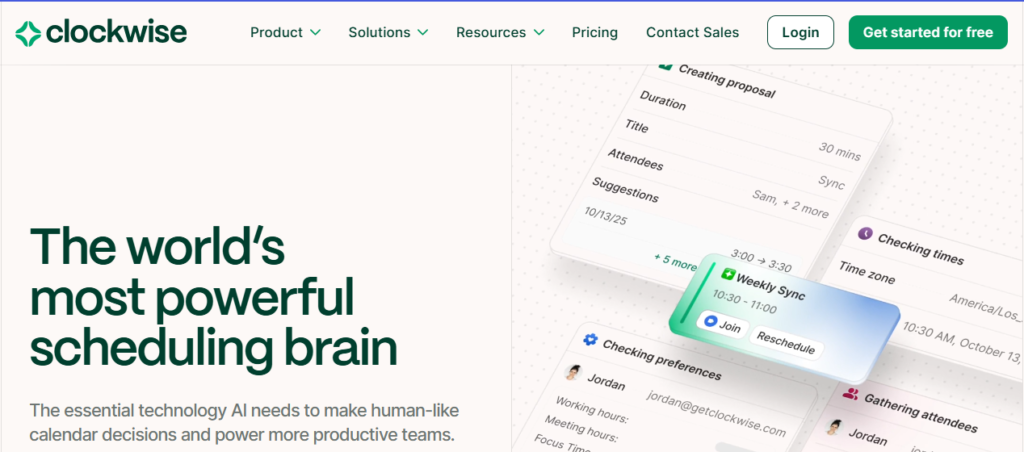 Clockwise is the best AI scheduling assistant for teams who want to reclaim their focus time. This tool restructures the team calendars to keep aside the focus time windows, while reducing meeting chaos.
It is an ideal tool for all the growing departments or teams where constant meetings clash with deep work sessions. Clockwise connects with your Google Calendar and studies your habits, depending on which it blocks the time automatically for your focused work, breaks, and meals.
This tool won’t just optimize your daily routine, but will also sync it across the team. It means, when everyone is using Clockwise for scheduling tasks, it will automatically rearrange meetings to avoid timing conflicts.
Pros:
Automatically adjusts the availability of an entire team.
Supports better and efficient team collaboration with unique scheduling features.
Supports Slack integration.
Cons:
Not ideal for individuals.
Works only with Google Workspace.
Pricing:
The free plan is available
Paid plans start at $6.75/user/month
4. Calendly
 Calendly is so far the best AI scheduling software that has been helping thousands of businesses with scheduling meetings, automating reminders, and collecting payments, all with an intuitive setup. It is great for consultants, client-facing teams, and freelancers.
It is one of those tools that assists you in making clean, reliable, and fast scheduling, without any intention of being a full-scale project manager. You just need to connect your calendar to it and set some availability rules to kickstart Calendly’s scheduling features.
There are ample customization options available for you to leverage the full potential of this AI scheduling tool. For instance, you can set limits on how far in advance people can book a meeting with you, or set a buffer time between two meetings.
Pros:
Offers a simplified booking experience for people within and outside the team.
Connects to almost every tool, such as Zoom, Stripe, Salesforce, etc.
Automates the reminder and follow-up feature.
Cons:
Branding is limited on the free plan.
AI features are yet to be improved in Calendly.
Pricing:
Feature-packed free plan is available.
Paid plans start at $12/user/month.
5. SkedPal
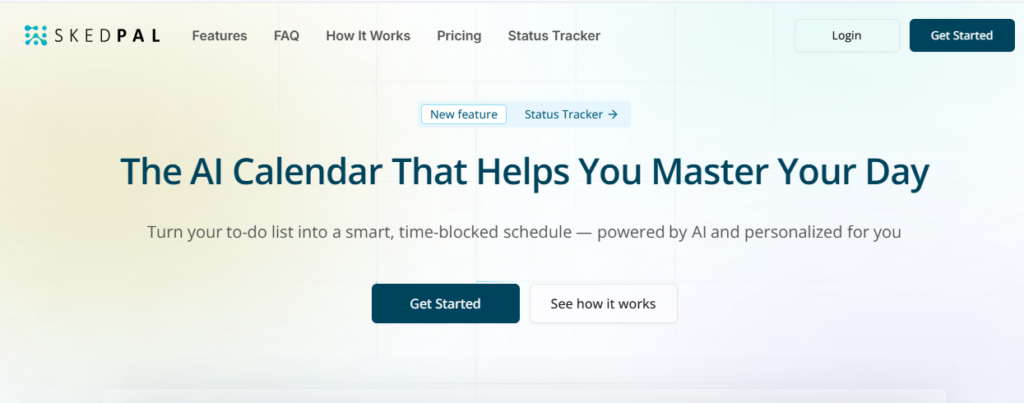 It is among the most serious AI scheduling tools, meant for highly structured time-blocking. You can use it to create Time Maps for defining specific blocks in your calendar for diverse types of work.
For instance, you can use the Time Map for scheduling ‘Deep Work’ for weekday mornings, ‘Admin Tasks’ for Friday post-lunch afternoon hours, etc. With setup done, you can then add tasks to the specific lists, and SkedPal AI will automatically slot them into adequate time blocks.
Not just that, but SkedPal also offers you ample control over how you want your work week to look. It is to ensure that the right work on priority happens exactly at the right time. Adding tasks is also easier with SkedPal, as you can just type them out in plain English.
Pros:
Deep customization features
Supports natural language input
Great onboarding
Cons:
High learning curve for understanding and using Time Maps
Pricing:
Starts from $14.95/month.
6. Trevor
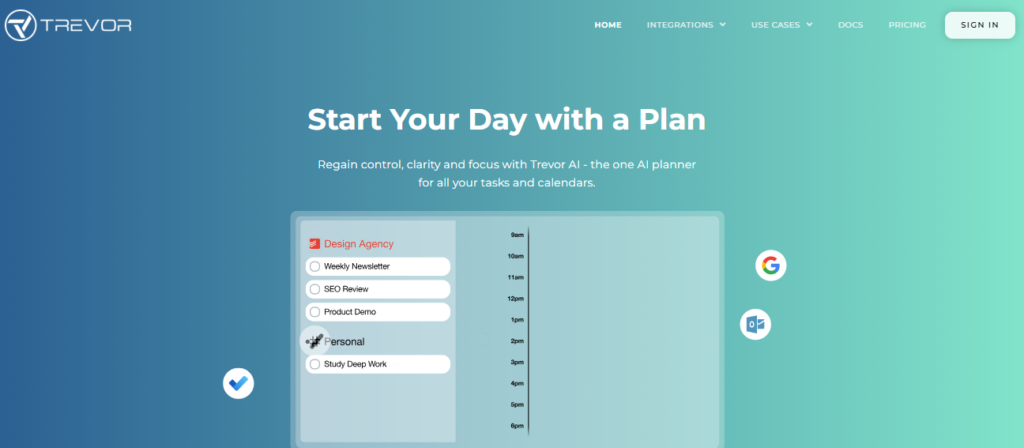 Trevor offers you a minimalist AI scheduling tool to curate a visual map to plan your entire day. You get a clean space to add your to-do list on one end, while your calendar is fixed on the other. This way, you just need to drag your tasks to the calendar to block the date & time.
When you do that, Trevor’s AI scheduling assistant will suggest the best time for you to schedule those tasks. Not just that, but it will also be creating a separate calendar just to list out your tasks, giving you control over turning it on or off.
For you to know, Trevor is a lightweight tool for almost all types of teams across different industries who want to plan a productive day, without giving complete control to an automated system.
Pros:
Comes with a drag-and-drop design
Keeps tasks on a separate calendar without creating a cluster.
Personal AI model will adapt to your habits easily
Clean UI for easy decision making
Cons:
Limited scope of integrations.
No advanced visualization.
Pricing:
A free plan is available.
Pro plan costs $3.99/month.
7. Sidekick AI
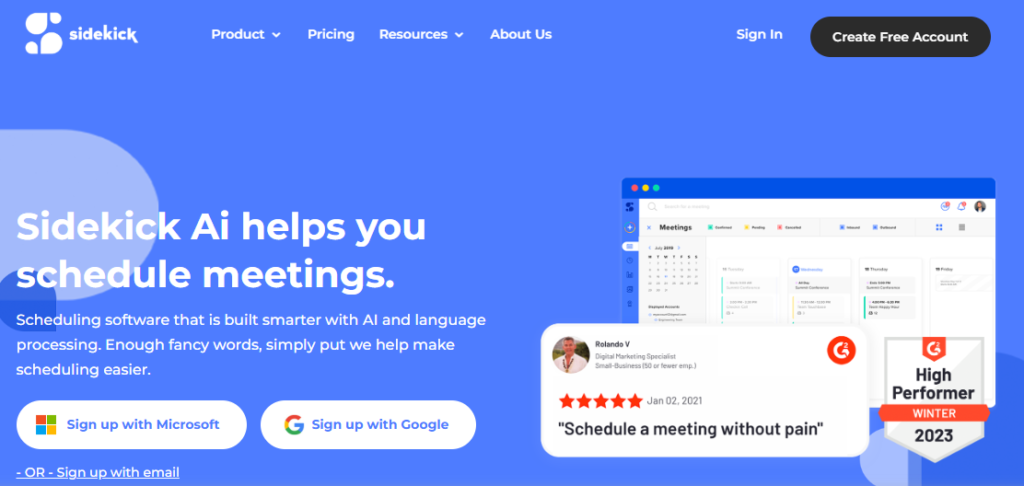 This AI scheduling tool will block time for your meetings through Microsoft Teams and email, with minimal manual interventions. It is a great assistant for smaller teams that mostly rely on Teams or Outlook for their meetings and prefer email-driven scheduling.
Sidekick AI is specifically designed for people who spend an extensive amount of time just replying to meeting requests. The standout feature of this tool, ‘Forward to Schedule’, allows you to move any scheduling email to the Sidekick address, and the AI handles everything else.
The AI assistant will then read the scheduling request, check your calendar, suggest a few slots, and book the meeting, without manual efforts. Sidekick AI has simple yet effective customization options. You get to send invitees only the relevant time slots and not your entire calendar.
Pros:
Quick setup.
Easy learning curve for all features.
Great for Teams-based workflows.
Reliable performance.
Cons:
Limited innovation on feature upgrades.
Not ideal for multi-user scheduling.
Pricing:
Comes with a free plan.
Paid plan starts at $5/month.
8. Scheduler AI
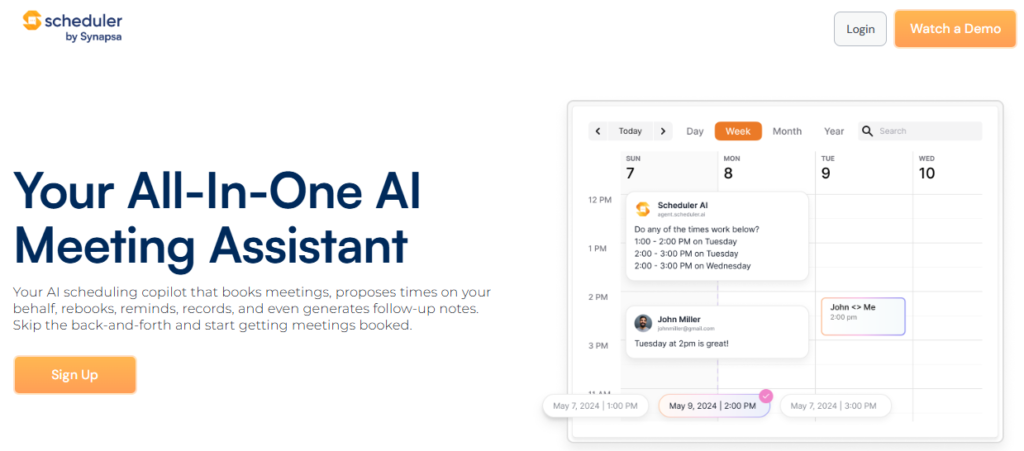 This is again an AI scheduling assistant that works from your email inbox. If you want to schedule a meeting, you just need to CC this tool’s email address and write a prompt such as, “Scheduler, please find us 30 minutes in the forthcoming week for a chat on our new project.”
Once you do that, Scheduler AI will then take over the email thread and will find a suitable time to schedule that meeting, ensuring it works for everyone. The best thing about this tool is, it feels like having a human staff taking care of scheduling meetings for you.
If you want to coordinate large group meetings or have to deal with frequent reschedules due to your busy work schedule, Scheduler AI can be of great help. You won’t have to even leave your email inbox and go to a different platform to avail of the scheduling perks of this tool.
Pros:
Supports seamless human-like scheduling
Schedule tasks and meetings from the email inbox.
Excellent at managing group scheduling and frequent rescheduling.
Cons:
The starting price is higher than most other options.
No dashboard or app available.
Pricing:
Starts at $50/user/month.
9. Structured AI
 Structured AI assistant tool is built with an innovative feature of scheduling tasks and meetings by adhering to voice commands. You just need to open its mobile app and go to the AI tab to talk out your plans.
This tool is built and designed to let you ramble your plans, instead of organizing them in your mind prior to talking them out. It means, even if you miss your grammatical flow in explaining the tasks or scheduling requests, Structured AI will still understand and do the needful.
The built-in AI engine will lay out the task suggestions, and then you can add them one by one to your task list, or do it all at once. Beyond voice, you can also use prompts for planning multiple tasks or events at the same time.
Pros:
Supports easy entry of tasks
Smartwatch app available for staying updated.
Cons:
Occasional issues with calendar syncing.
Pricing:
The free plan comes with a lot of features.
Paid plan starts at $2.99/month, with varying prices for different regions.
10. Toki
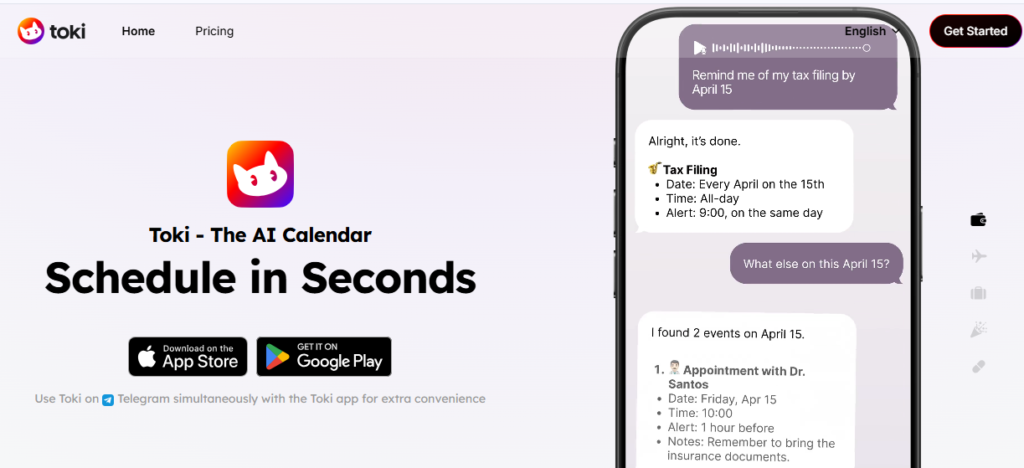 Toki enables you to reduce your burden of scheduling tasks and meetings with AI features, directly from the messaging apps. Upon signing up, you can connect the Toki AI scheduling assistant to your preferred messenger channels, such as Telegram, WhatsApp, and others.
Now, you will have a new contact unlocked in those messenger hubs that you can send commands or texts to, for scheduling your tasks, appointments, or meetings. For instance, you can send a command such as, “Schedule my lunch break at 2:00 PM for one hour.”
Not just that, but you can also request changes to your existing events in the calendar, such as cancelling meetings, rescheduling them to the next day or week, etc. Toki does accept text messages or prompts, whereas you can also use voice notes as commands.
Pros:
Accepts multimodal task inputs.
Enabled call alert reminders for the existing tasks.
Can be used with messenger apps.
Cons:
No web app available.
Pricing:
Free plan available
Paid plans start at $10/month.
Conclusion
AI scheduling assistants can be of great help by taking over the strenuous task of managing your work or task calendar. You can save a lot of your individual and team’s time every week, while smartly executing all your priority tasks.
With smart organization of your calendar and seamless task scheduling, you can save hours of your time to focus on deep work, new project planning, leisure time, or more. The best part is, the AI scheduling assistant you choose will help mark these free times for you and your team, too.
So, whether you are an individual or leading a team, embarking on an AI scheduling tool can be a game-changer for attaining work efficiency. Every tool listed above has unique capabilities of its own, and you must review them all prior to making your pick.
No more draining time with manual scheduling of every task, meeting, or appointment for yourself and the team! Switch to AI scheduling software and adopt automation for most cases.