
Professionals spend hours every day managing email, and that leads to a lot of productive time lost in just drafting, sorting, deleting, and reading emails.
In 2026, you must ditch manual efforts that go into managing email strategy in your workplace. Instead, you ought to upgrade to AI email assistant tools, powered by agentic workflows and LLMs (Large Language Models) for transforming your cluttered email inbox into an intelligent workspace.
Below are the 10 most popular AI email assistants, intelligent enough to draft your responses, predict priorities, manage campaigns, automate workflows, and tackle calendar conflicts. Get a brief insight into them all, and finally decide on what would suit your business needs the best!
| Tools | Pricing (Monthly) | Year Launched | Salient Features | Best For |
| Microsoft Copilot | Copilot Pro- $20.month/user
Microsoft 365 Copilot- $30/month/user |
2023 |
|
Professionals, enterprises, and sales teams. |
| Google Gemini | Google One AI Premium- $19.99/month
Gemini for Workspace- $20-$30/user/month |
2024 |
|
Professionals, project managers, and remote teams. |
| SaneBox | Snack: $7.99/month
Lunch: $13.99/month Dinner: $38.99/month |
2010 |
|
Professionals and multi-platform users. |
| Gmelius | Meli- $19/user/month
Growth- $25/user/mo Pro- $40/user/month |
2025 |
|
Small & medium businesses, sales teams and remote teams. |
| Superhuman | Starter- $30/month
Business- $40/month Student- $10/month |
2014 |
|
Busy professionals, founders, and sales teams. |
| Missive | Starter- $14/month
Productive- $18/month Business- $26/month |
2015 |
|
Small teams, mid-sized businesses, remote teams, and service-based industries. |
| MailMaestro | Professional- $12/month
Team Plan- $12/month Enterprise Plan- custom pricing |
2023 |
|
Corporate users, Outlook & Gmail users, and SMEs. |
| Friday AI | $19-$29.99/month | 2025 |
|
Freelancers, solopreneurs, sales professionals, and small business owners. |
| Notion Mail | Notion AI Add-On- $10/month | 2025 |
|
Notion users, Gmail users and individual professionals. |
| Shortwave | Personal- $7 -$9/month
Pro- $14-$18/month Business- $24-$30/month |
2020 |
|
Google Workspace users, busy professionals, and remote teams. |
1. Microsoft Copilot
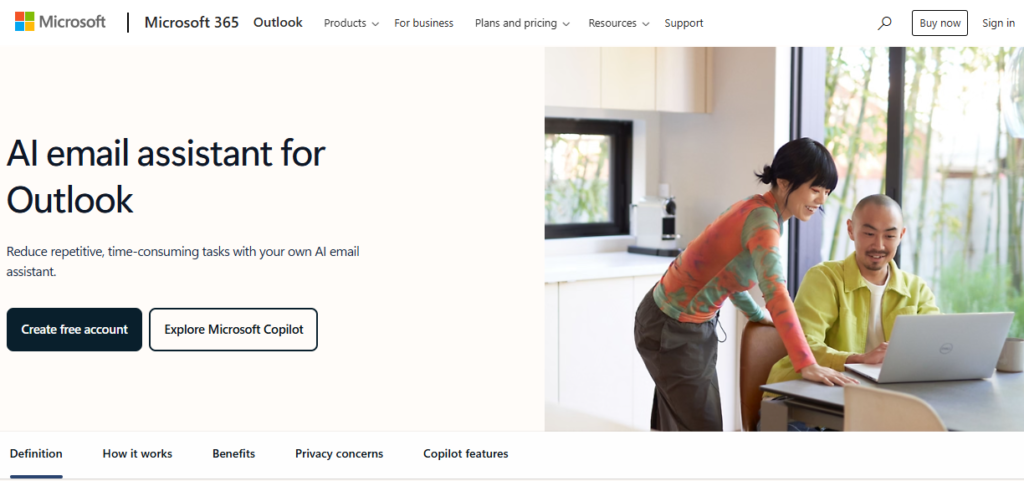 Microsoft Copilot tops the chart as the best AI email assistant for its impeccable AI capabilities for Outlook users. If your business uses Microsoft Workspace, Copilot can help streamline the strenuous email tasks such as managing follow-ups, drafting replies, summarizing long threads, and more. Not just that, but Copilot can also understand the context of your emails, files, tasks, and meetings.
Some of the other features of this tool include:
- Summarizes long email threads.
- Generates quick email drafts with simple prompts.
- Analyzes pre-drafted emails to suggest clarity, sentiment, and tone on new requests.
- Creates to-do lists by extracting deadlines and tasks from emails.
Pros:
- Supports native Microsoft 365 and Outlook integrations.
- Provides precise and useful summaries.
- Converts emails into calendar reminders and tasks.
- Enterprise-grade security
- Strong AI email drafting, tone caching, and rewriting.
Cons:
- You must have an additional Microsoft 365 Copilot license.
- Not ideal for campaign automation.
Pricing:
- Available as an add-on functionality with the Microsoft 365 plans. The add-on starts at $30/user/month.
2. Google Gemini
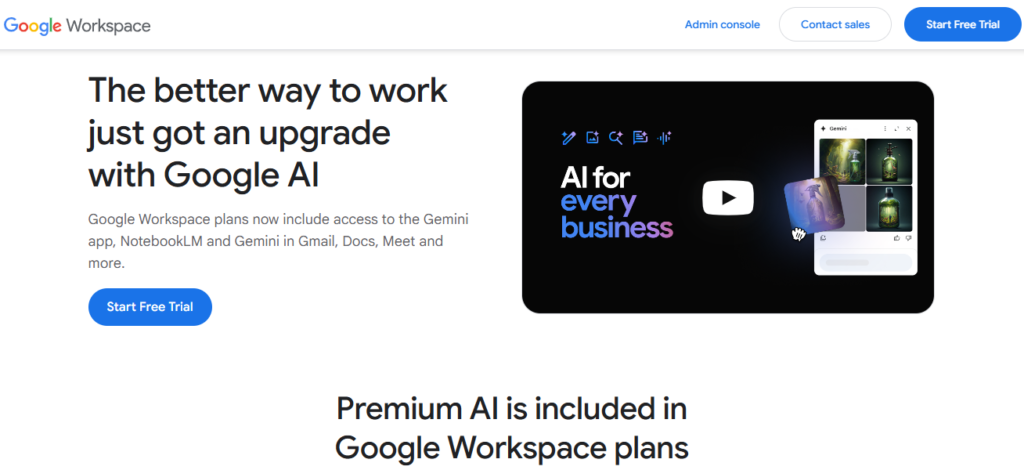 For most Gmail users, Google Gemini is a more efficient AI assistant than most other options available. It integrates deeply into your Gmail inbox for understanding your emails, calendar events, Google Drive files, and more. Contextual inbox search, thread summarization, smart message drafting, and brand tone adjustment are a few of the features of Gemini as AI email assistant.
Some of the other features of Gemini are:
- Instant retrieval of key points from long email threads.
- Composes smart emails with personalized and context-aware suggestions.
- Automatically points out important tasks specified in the emails and creates calendar reminders for the same.
- Multimodal AI capabilities enable Gemini to understand text, documents, and images within the emails.
Pros:
- Supports native integration with Google Workspace and Gmail.
- Streamlines email writing and inbox management.
- Saves a lot of time in drafting and editing emails.
- Draft quick and relevant email responses.
Cons:
- A paid subscription is required for Gemini Pro or Ultra plans with advanced features.
Pricing:
- Available as an add-on with Google Workspace plans, where the Gemini Business plan starts at $19/user/month, and the Gemini Enterprise costs $45/user/month.
3. SaneBox
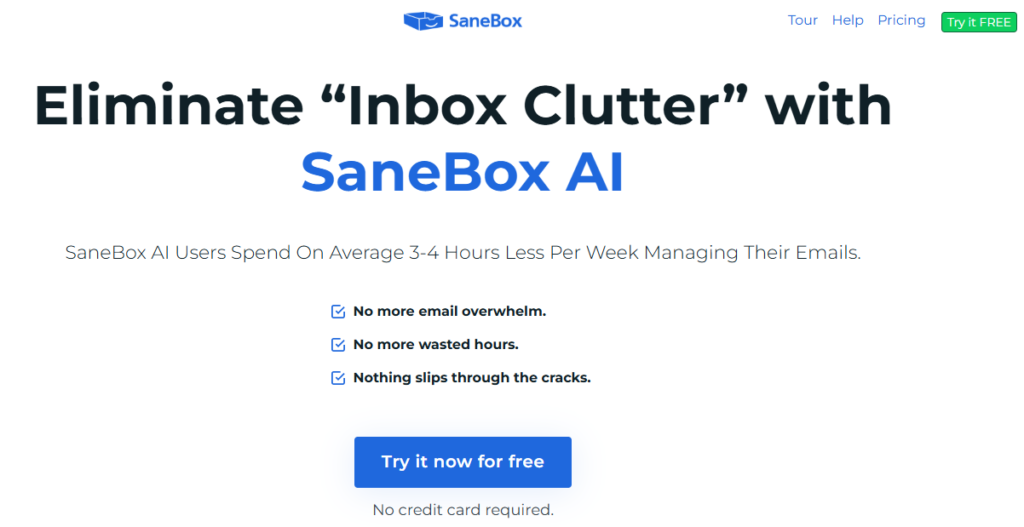 SaneBox is your AI email assistant, capable of categorizing and separating the different types of emails in your inbox, such as newsletters, promotional emails, bank notifications, CC emails, and more. You just have to connect it to your existing email account, either Apple Mail, Gmail or Outlook, and the tool starts organizing your emails based on how you use the inbox.
Some of the key features of SaneBox are:
- The SaneBlackHole feature is used for blocking a particular sender, ensuring those unwanted emails never land in your inbox.
- Automatically sorts priority emails.
- Sends a summary of less-important or filtered emails for your quick review.
- Saves email attachments directly to the linked cloud storage.
Pros:
- Automatically moves the low-priority emails out of your main inbox.
- Works with almost any email provider.
- Easy to set up.
- Learns & improves over time based on your behavior.
Cons:
- No help with writing or replying to emails.
Pricing:
- The paid plans start at $4.92 per month on annual billing.
4. Gmelius
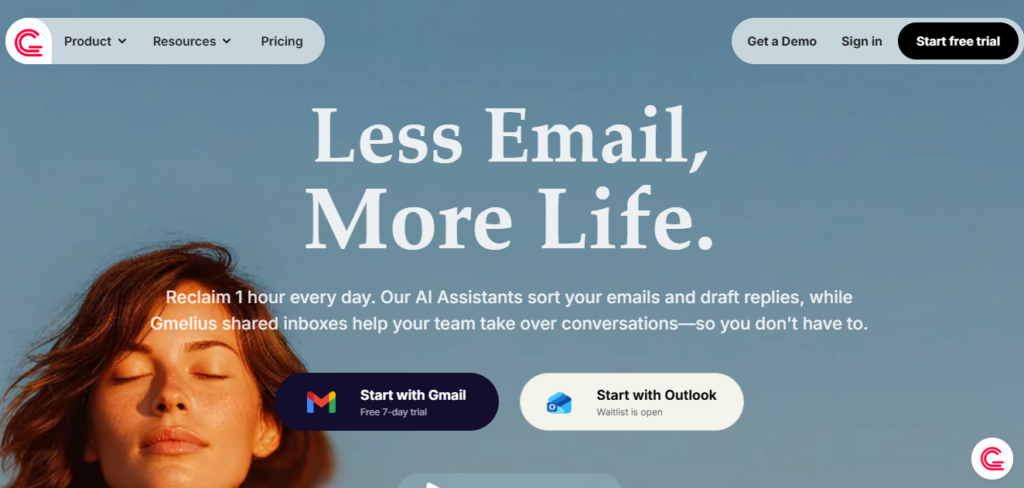 Gmelius is a dedicated AI platform for users who leverage the power of email for driving business productivity. It transforms your generic emails into context-driven responses. Gmelius AI assistant has been trained on a plethora of inbox data for learning the exact way you write your emails. Moreover, it also offers you the option to train the AI assistant on a knowledge database for auto-generating highly informed messages.
Some of the key features of this tool are:
- Shared inboxes for managing group emails, directly within Gmail.
- Meli AI, the intelligent AI assistant of Gmelius, helps you draft email responses, summarize threads, and suggest steps based on the conversation.
- Supports AI sorting and automatically classifies the incoming emails using smart tags.
- Assigns specific conversations to the team members automatically.
Pros:
- Draft intelligent email responses
- Manages team emails within Gmail
- Integrates deeply with Google Workspace and Gmail
- Supports email tracking
Cons:
- Complex learning curve
- Designed specifically for Gmail, it is incompatible with Outlook and other such email providers.
Pricing:
- Pricing starts at $19 per user per month.
5. Superhuman
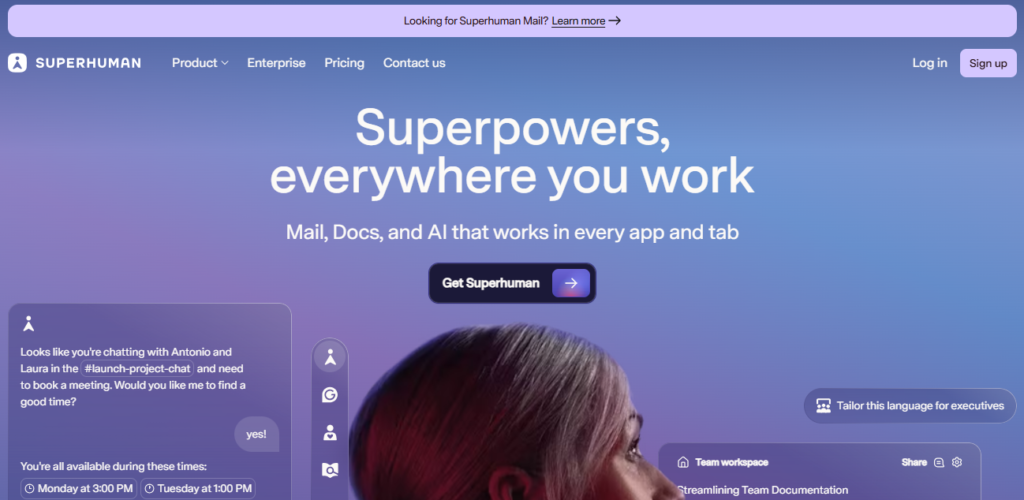 Superhuman is one of the best AI email assistants, capable of providing you with both speed and precision. It means Superhuman can generate emails faster and with utmost precision, ensuring the value and messaging are retained. It is a keyboard-driven tool that suggests users learn the shortcuts for quick accessibility.
Some of the key features of Superhuman include:
- Draft AI-powered emails with context-aware suggestions.
- Instantly responds to emails, and also schedules “Send Later” or timed messages.
- Sends follow-up reminders
- Personalized messaging
Pros:
- Faster and more efficient in generating emails.
- Streamlines email workflow
- Consistent interface across mobile and desktop.
- Sends automated follow-up reminders for unanswered emails
Cons:
- Subscription cost is expensive
- Limited integration capabilities
Pricing:
- Premium plan starts at $30 per month per user.
6. Missive
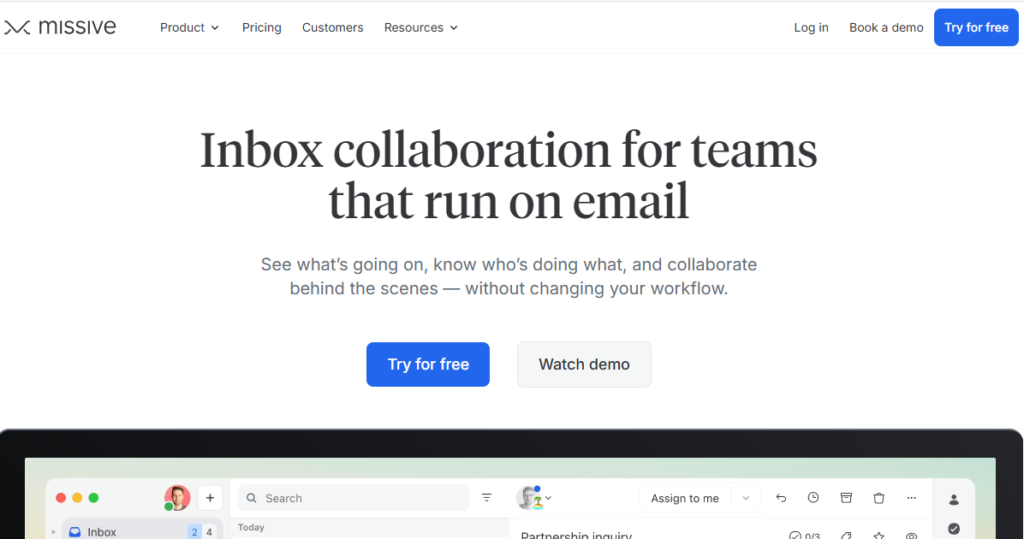 Missive AI email assistant blends chat, tasks, and email into one single application. Using it, you can quickly chat with your internal team members about an email thread, prior to drafting a customer response. With OpenAI integration, you get to introduce your own API key and facilitate unlimited email generation.
Some of the key features of Missive are:
- Enables team chat for private discussions on the email context.
- Supports customization of AI generation capabilities
- Summarizes email context
- Enables multi-channel support
- Supports integration with popular CRM systems.
Pros:
- Responsive customer support
- Supports customizations with colors, rules, and tags
- Consolidates multiple accounts, such as email, SMS, and social media.
- Facilitates team collaboration
Cons:
- Complex learning curve.
- Mobile navigation could have been better.
Pricing:
- Paid plans start at $14.
- Free plan available
7. MailMaestro
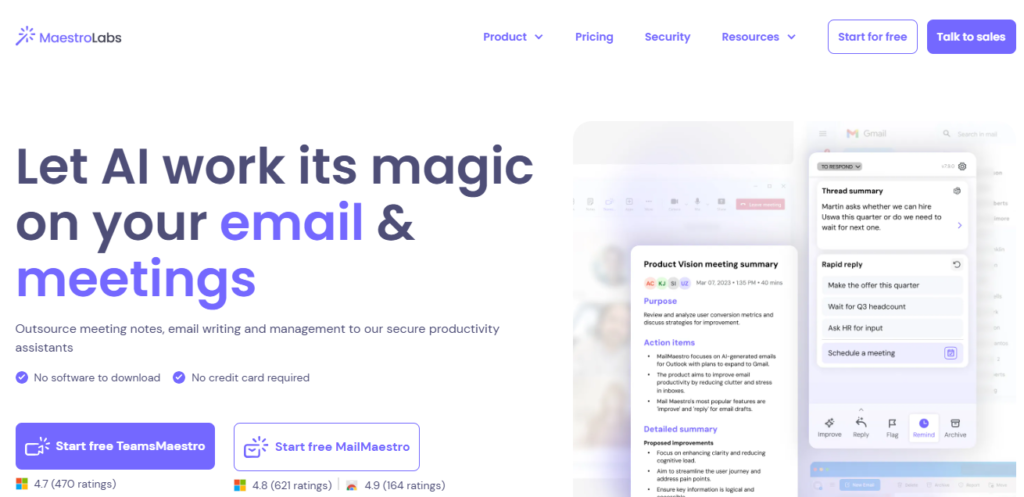 Most of the standard AI email assistant tools support only Gmail or Google Workspace. However, MailMaestro extends its support to Microsoft Outlook as well! The best part about this top-tier AI email assistant is its enterprise-grade security that ensures your data won’t be used for training the public AI models. You can draft high-quality and predictive emails that align with your brand tone.
Some of the key features of MailMaestro include:
- Helps with AI-powered email writing.
- Supports smart inbox management.
- Email thread summarization
- One-click reply functionality
- Multi-lingual support
Pros:
- Enhances business productivity
- Generates professional and customizable emails
- Provides you with control over the messaging tone.
- Enterprise-grade security for protecting your data.
Cons:
- Limited free plan
- Complex learning curve
Pricing:
- Starts at $15 per month per user.
8. Friday AI
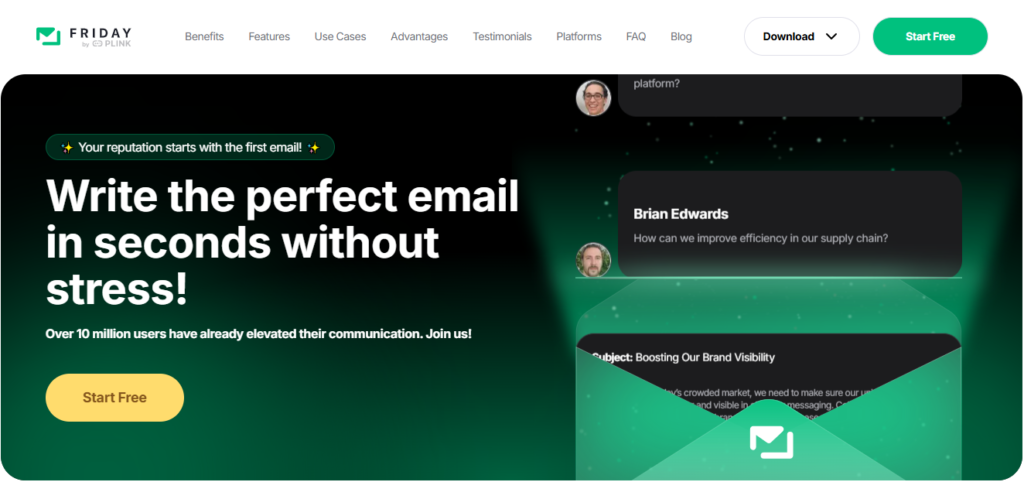 Friday AI is your dedicated AI email assistant that excels at drafting outreach emails, marketing copy, blog posts, and more, all using simple prompts. This tool is not about managing your email inbox, but is primarily about creating context-driven messages for you. You might find this tool less useful with respect to connected workflows or team productivity.
Some of the key features of Friday AI are:
- AI-powered email drafting
- Pre-built email templates
- Enables seamless inbox management through automation
- Chrome extension available for Gmail and on mobile apps
Pros:
- Faster in content generation
- 40+ templates and 20+ brand tones.
- Easy-to-use interface
- Supports extensive outreach efforts.
Cons:
- Limited free plan
- Requires some manual intervention
Pricing:
- Weekly plan starts at $6.99
- Monthly plan starts at $15.75
- Lifetime subscription at $69.99
- 3-day free trial available
9. Notion Mail
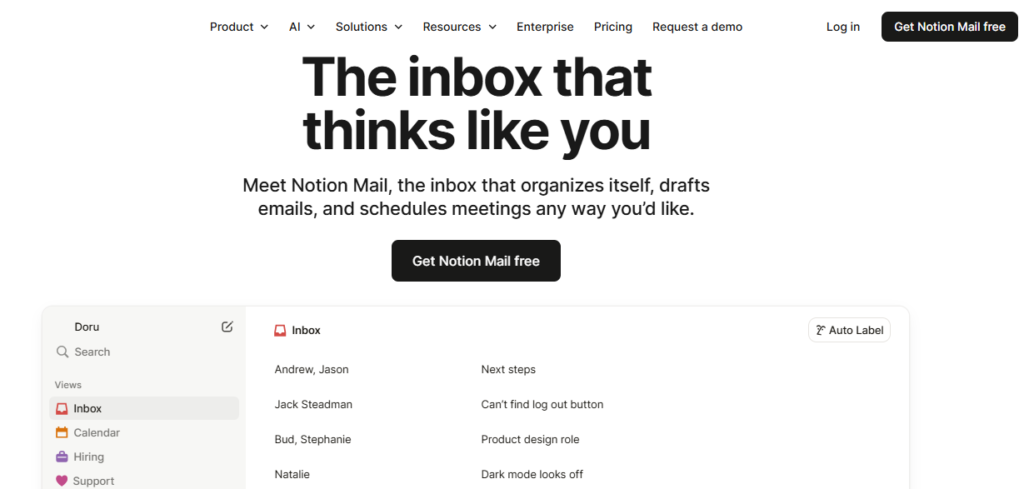 Notion Mail AI assistant, available on the web and Mac, can help you smooth out your email management tasks. It comes with an “Auto Label” button that can automatically filter your inbox and smartly tag the emails that matter. You just need to enter a prompt describing the types of emails you want to be filtered and tagged. Notion Mail will then find them for you.
Some of the key features of Notion Mail include:
- AI-powered email sorting and organization.
- Write and draft AI-assisted emails
- Handles manual and redundant tasks for streamlining email workflow
Pros:
- Minimalist interface.
- Supports auto-labeling of emails
- Integrates with Notion calendar
Cons:
- Limited integration capabilities
- No offline mode
Pricing:
- Free to use, as the AI features are inclusive with Ntion AI.
- Available with a business plan for $20 per month.
10. Shortwave
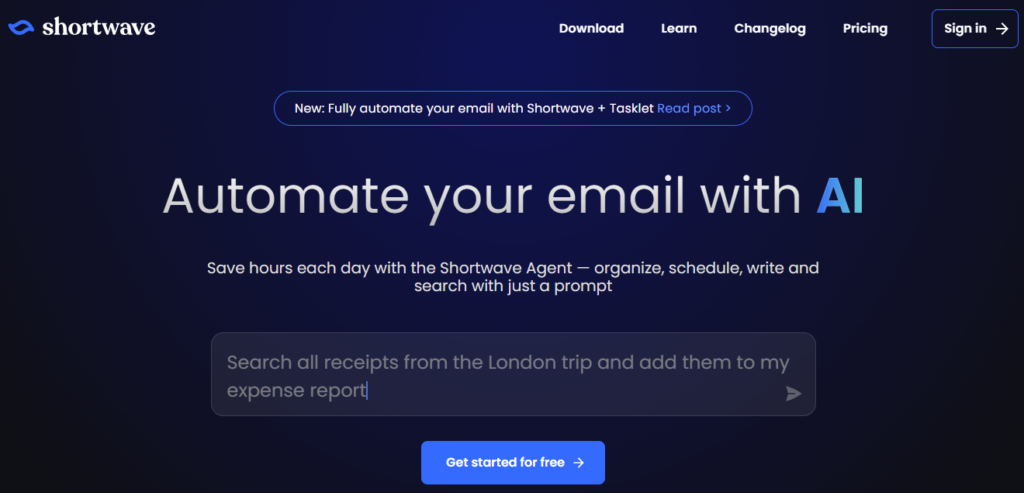 Shortwave is one of the best AI email assistants for Gmail users who want an organized inbox and email summaries. If your Gmail inbox is full of bank updates, payment receipts, newsletters, and other such lengthy email threads, Shortwave can label them based on their priority levels. The emails with the lowest priority will be moved out of your inbox. Not just that, but this AI tool will also help you get the full context of your calendar, email attachments, and inbox.
Some of the key features of Shortwave include:
- Uses the bundling feature for organizing emails.
- Enables native task management.
- Summarizes long email threads
- Drafts email replies and answers to questions based on the email context.
Pros:
- Smartly organizes inbox using smart filters and bundles.
- Creates strong summaries and detects items that need action.
- Draft email replies that align with your writing style.
- Integrates with tools like Notion, HubSpot, Asana, Slack and others.
Cons:
- Works with only Google Workspace and Gmail.
Pricing:
- Free plan available
- Paid plan starts at $14/user/month
Conclusion
Gone are the days when your email assistants were integrated only to filter out the spam messages! Today, the AI-driven tools are powered with semantic search, agentic workflows, and LLMs for simplifying your email management efforts on all fronts. From personalizing messages and auto-labelling important emails to drafting emails and sending instant replies, AI assistants are capable of enabling automation in your email marketing or management efforts.
This article discusses the 10 best AI email assistant tools that vary in terms of their operational architecture and features. Most of these tools have free trials for you to test run their features prior to investing in them. Make sure you pick the right tool that fits your organizational needs associated with email management.